
What are 'assets' in the context of this workshop...
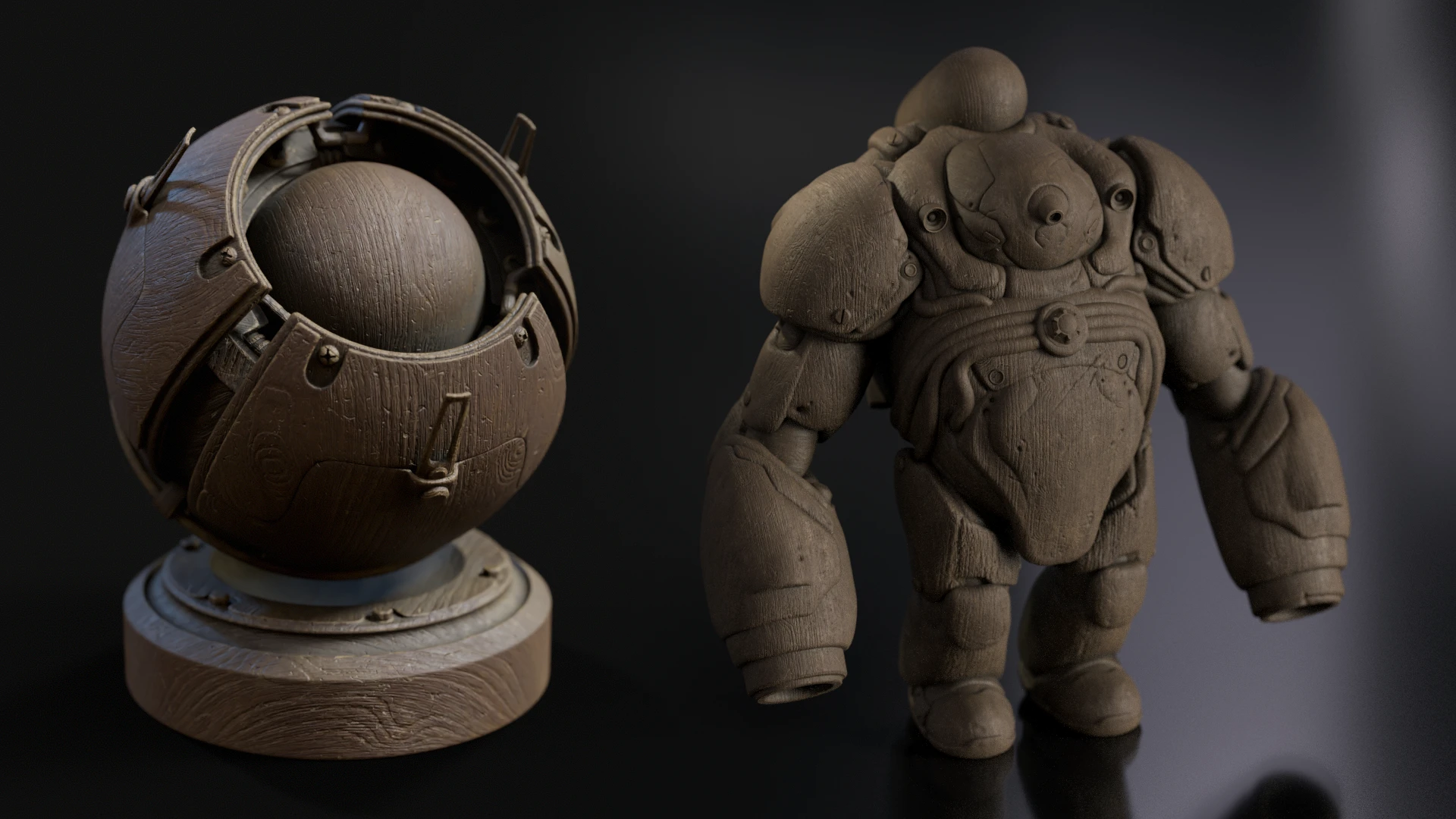
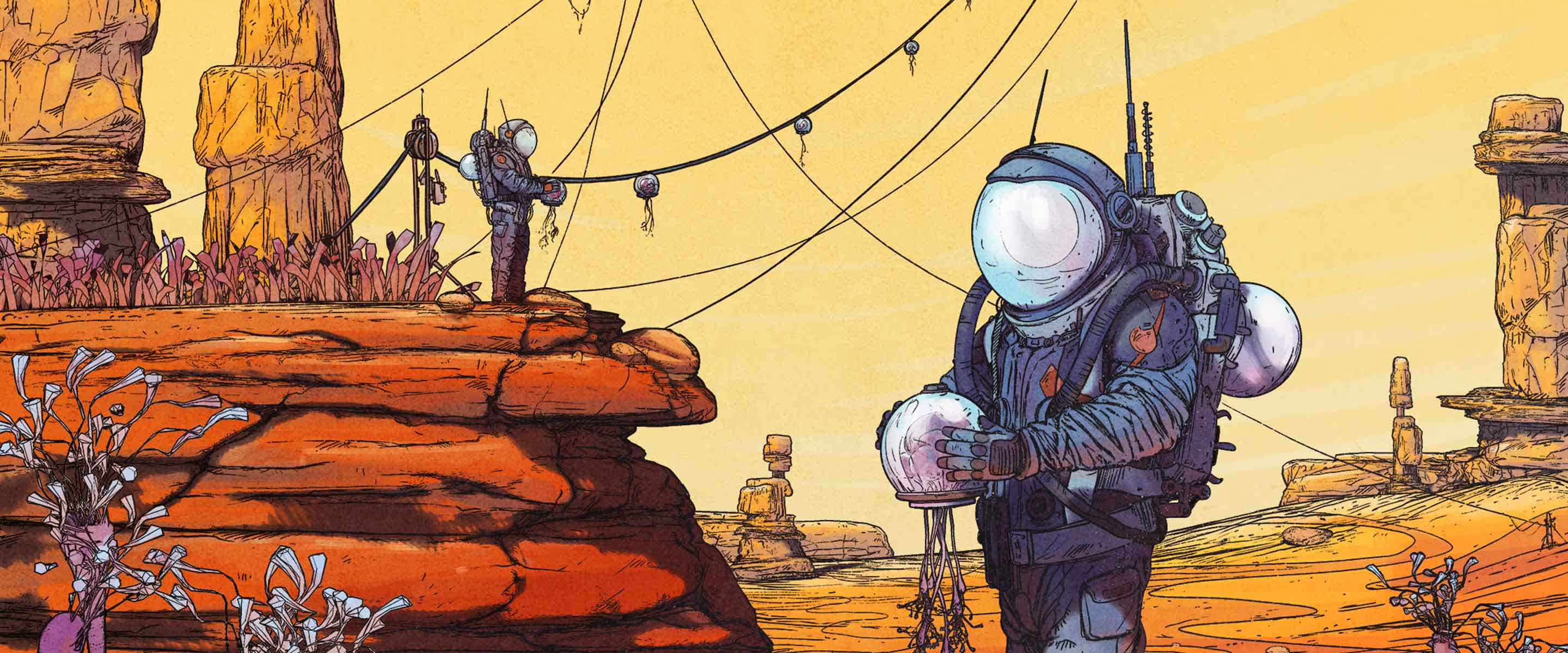
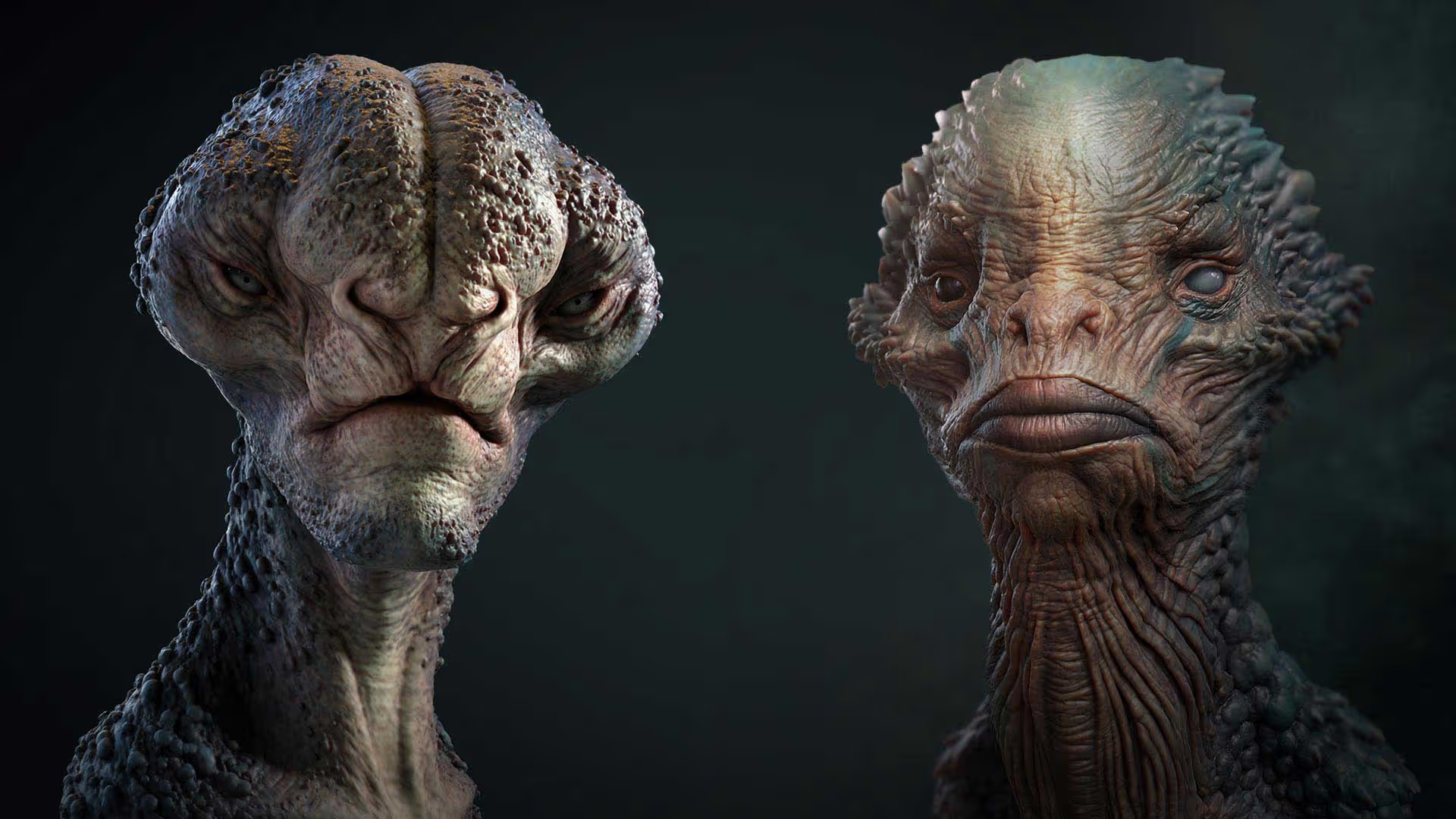
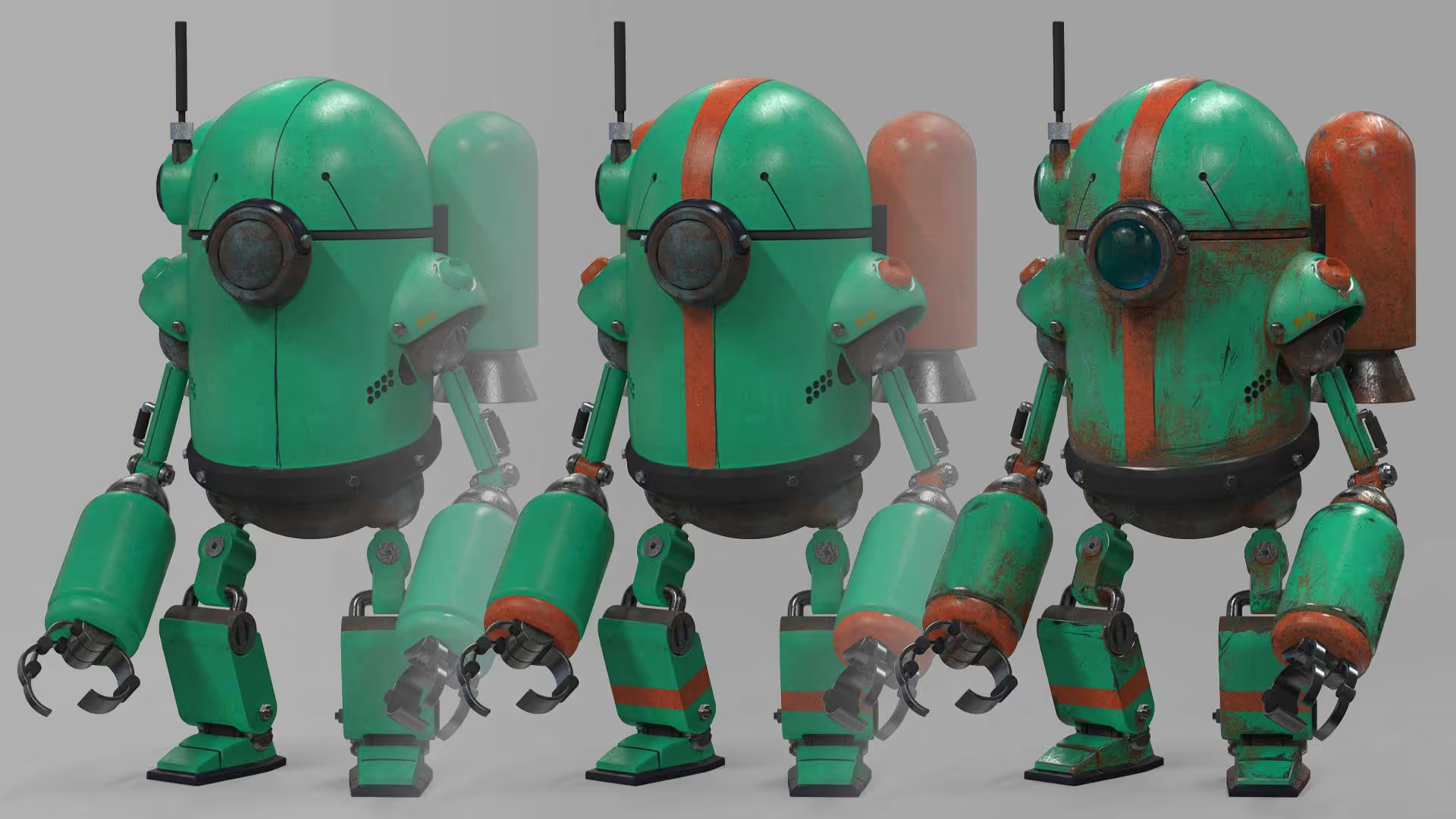
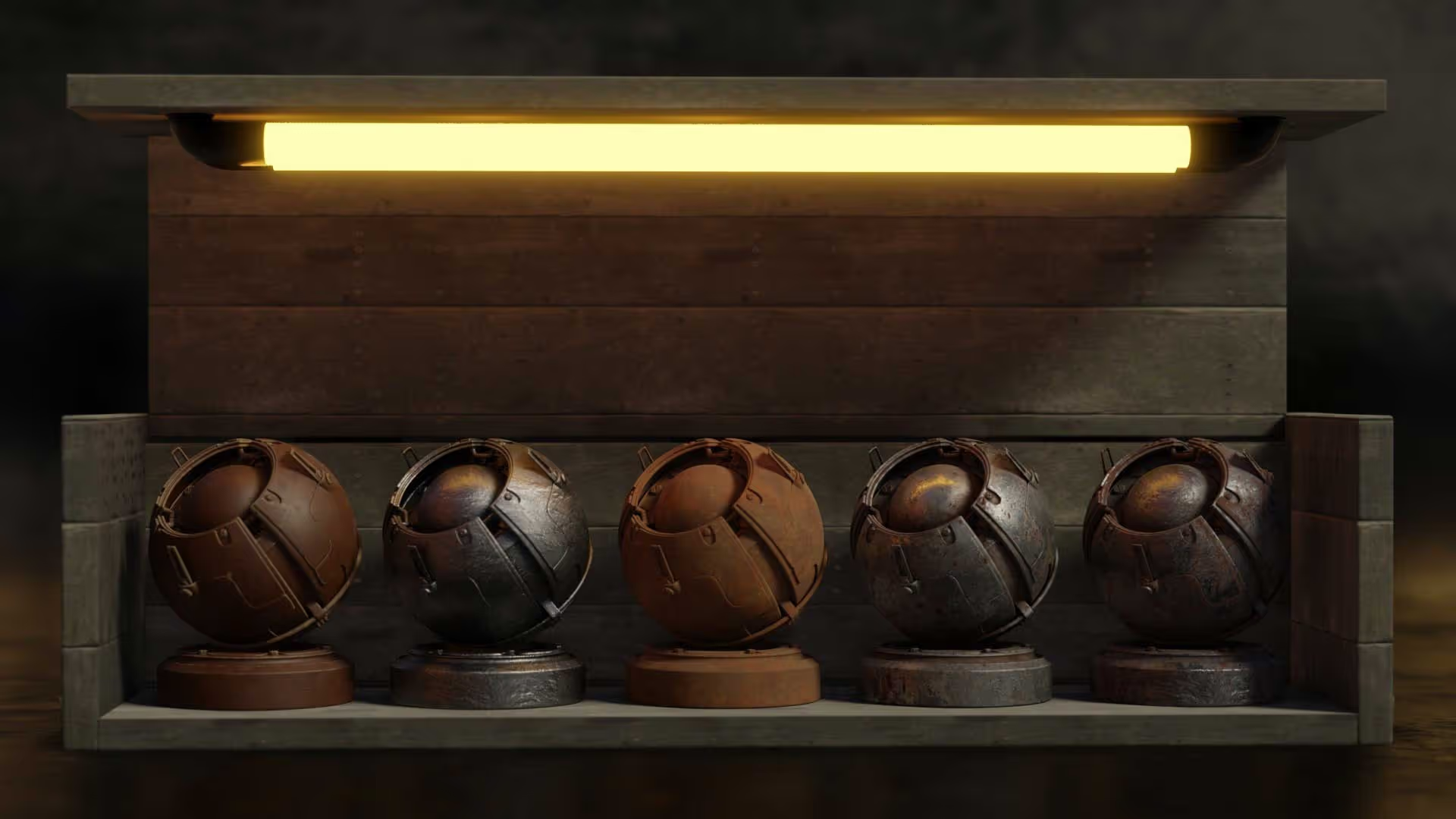
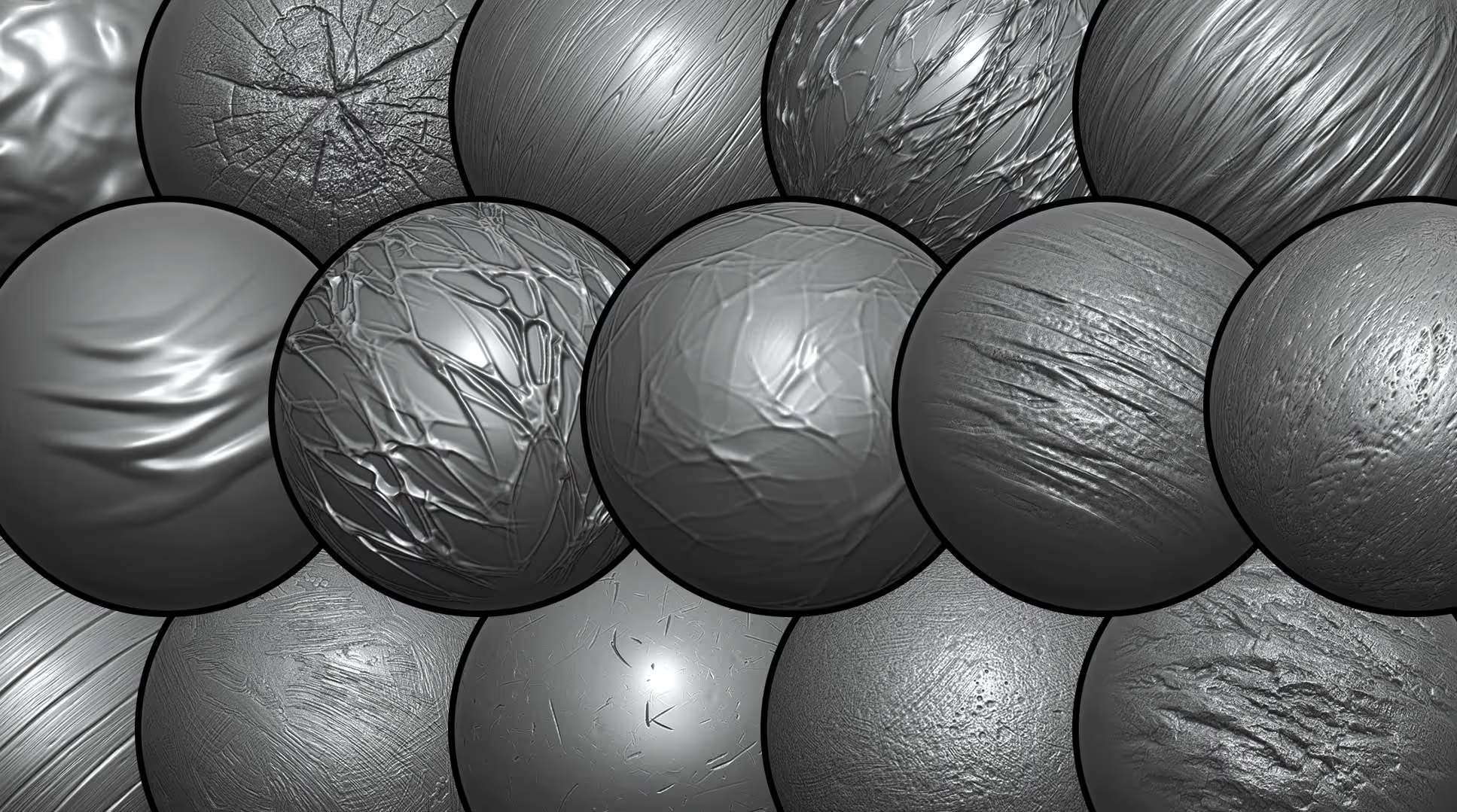
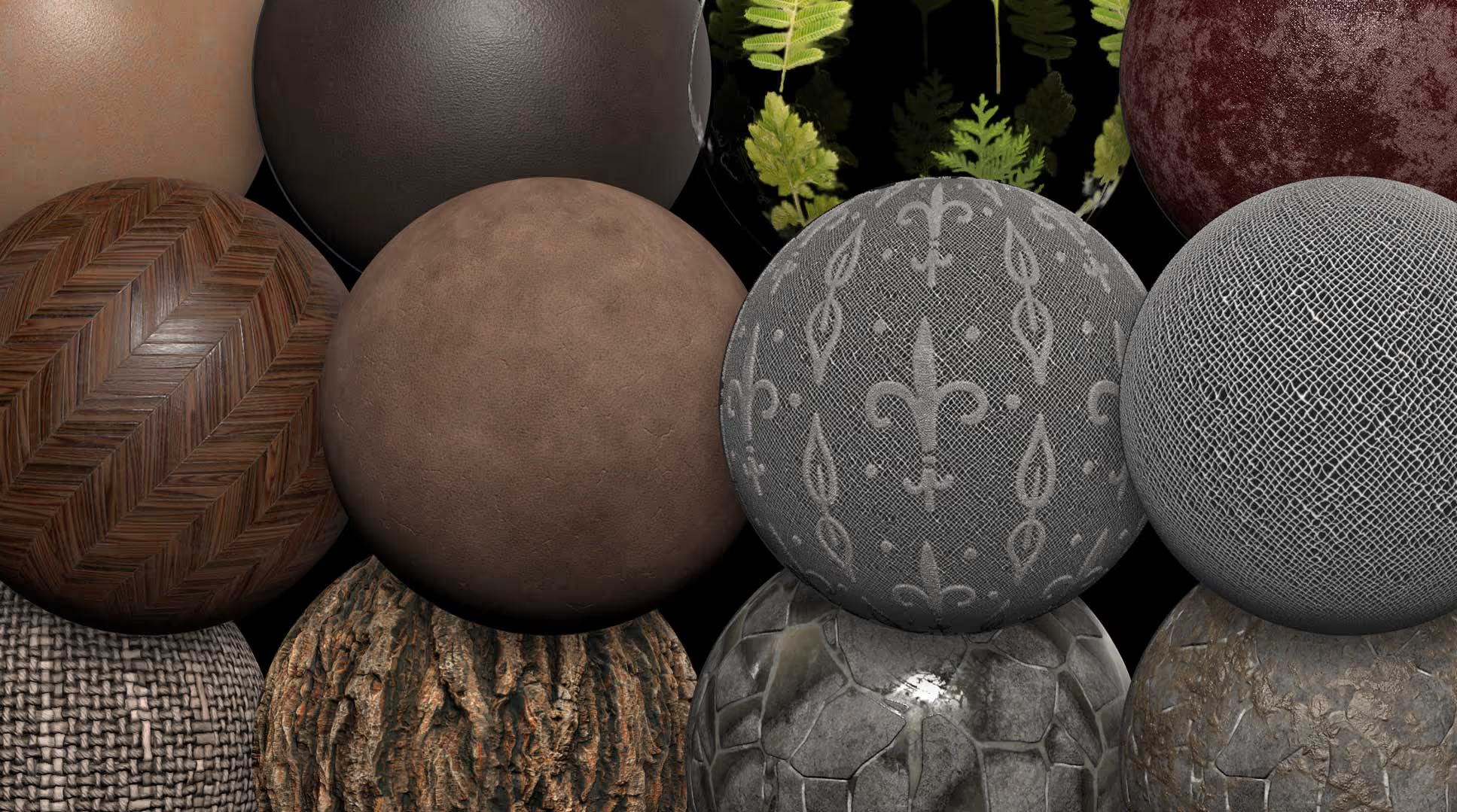
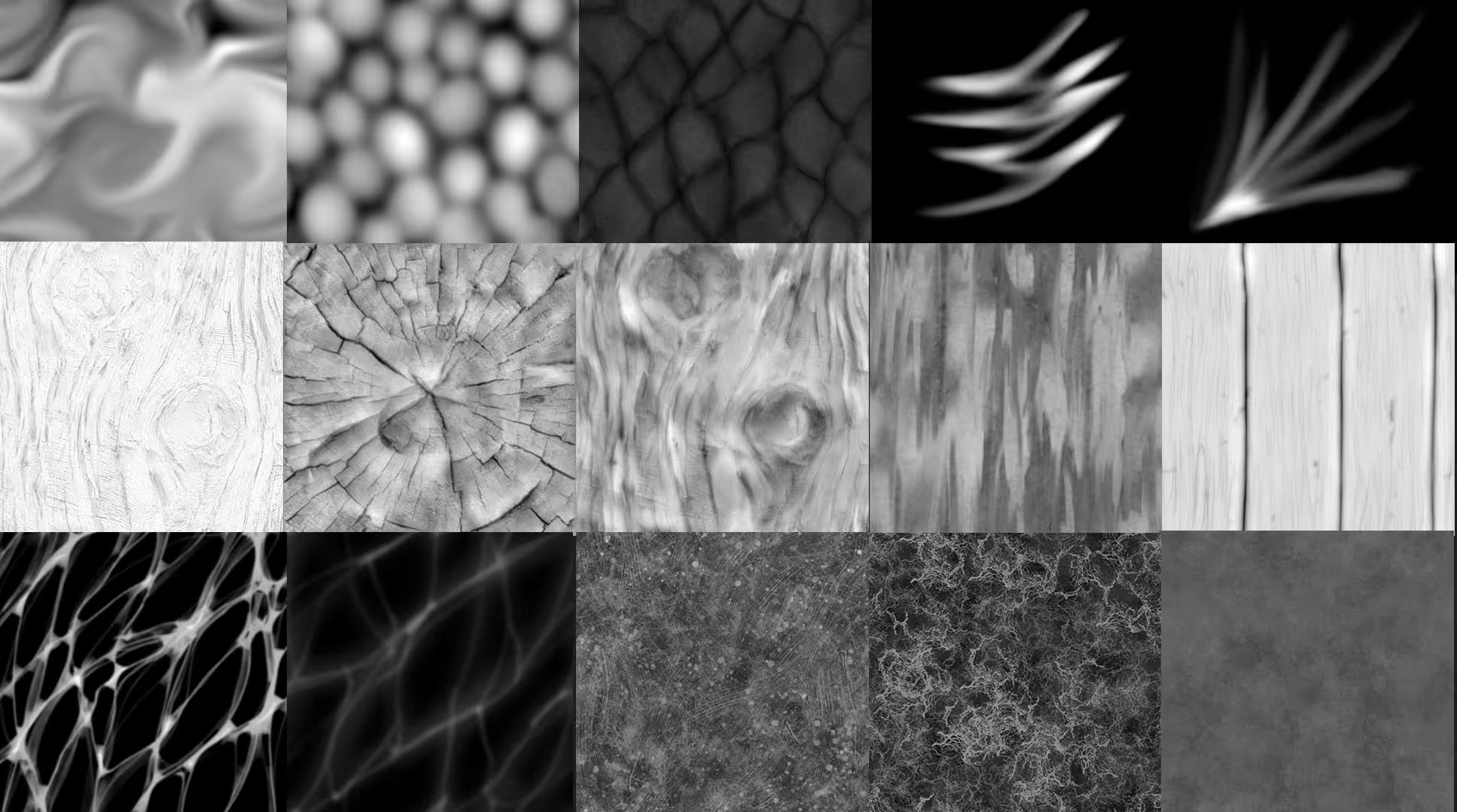
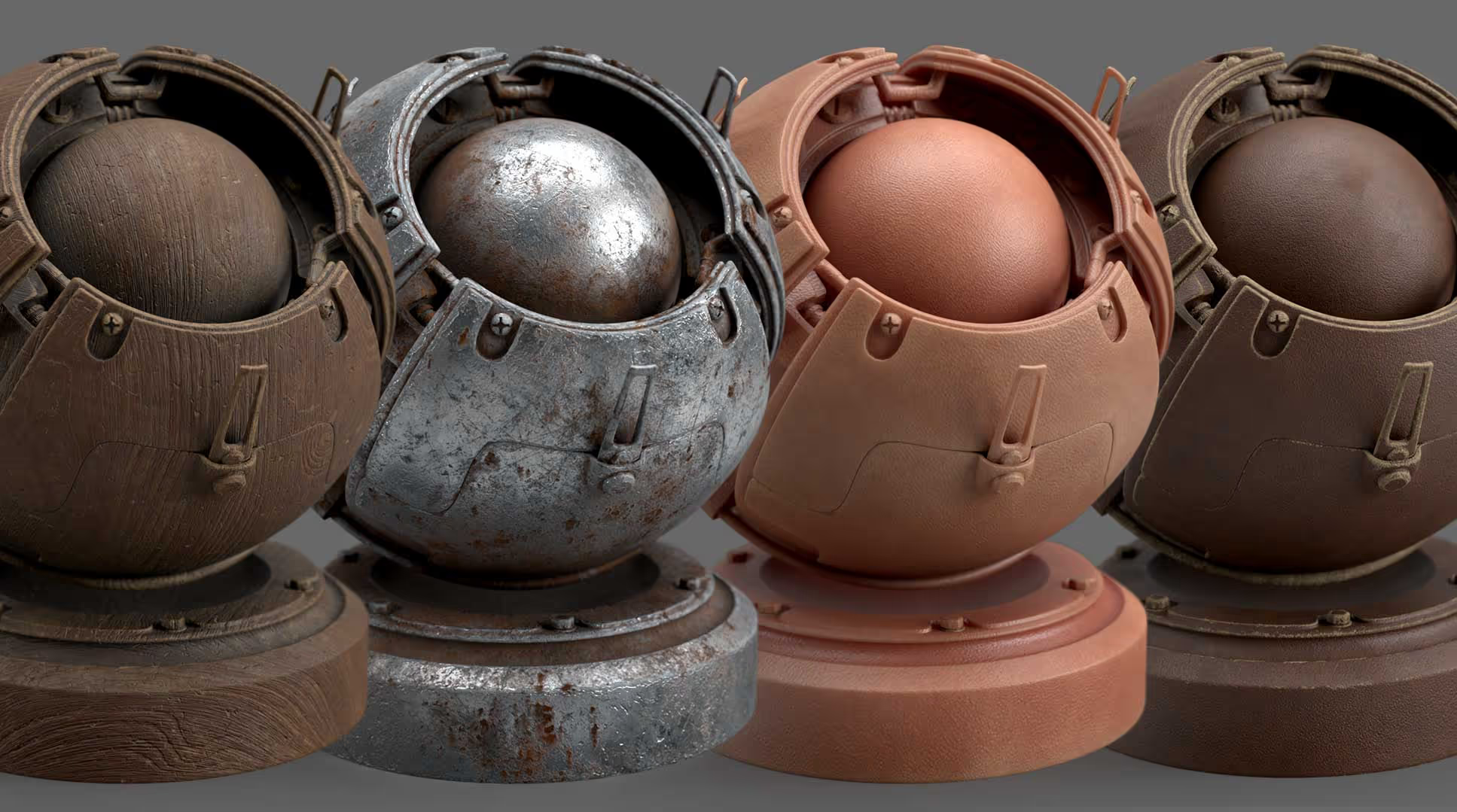
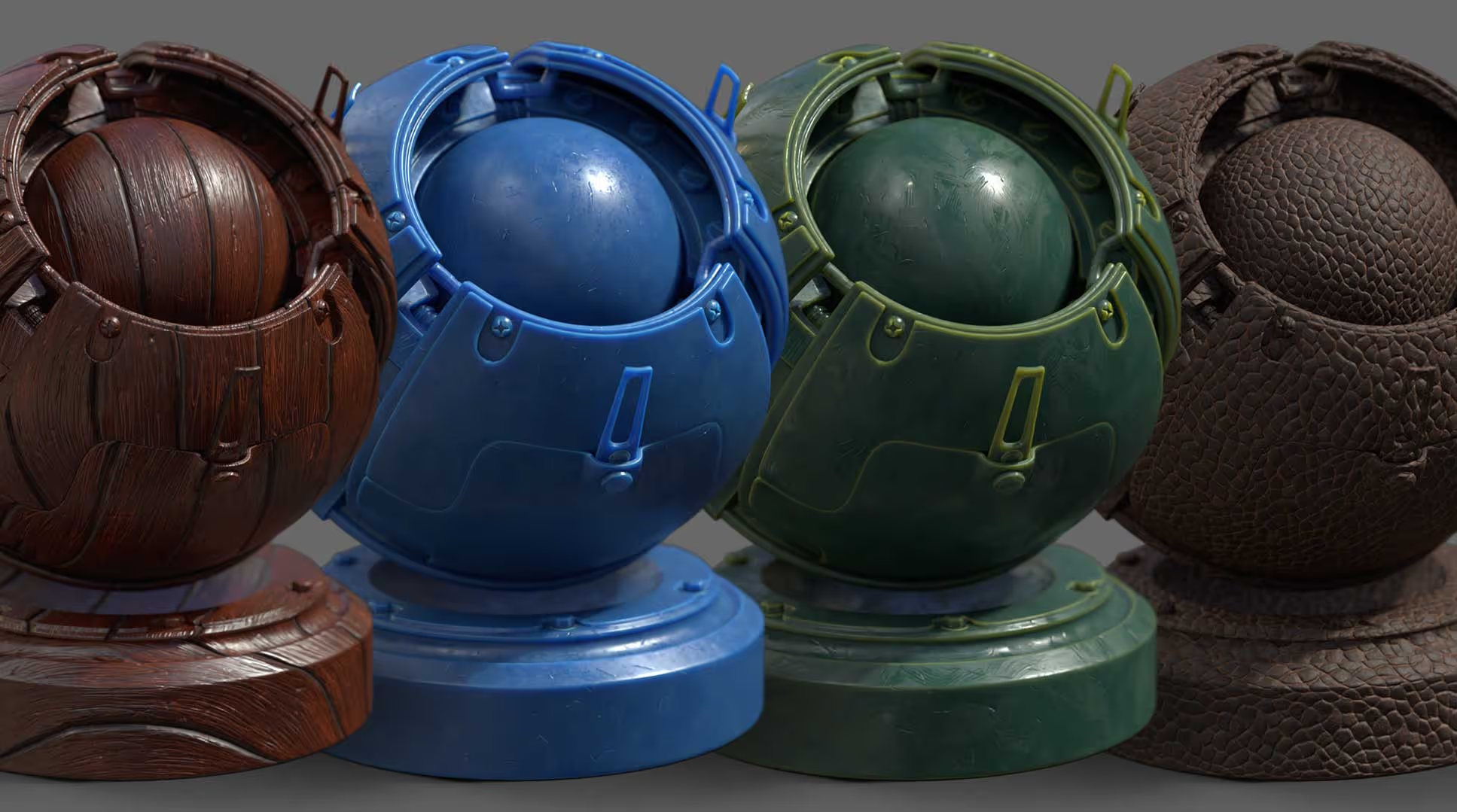
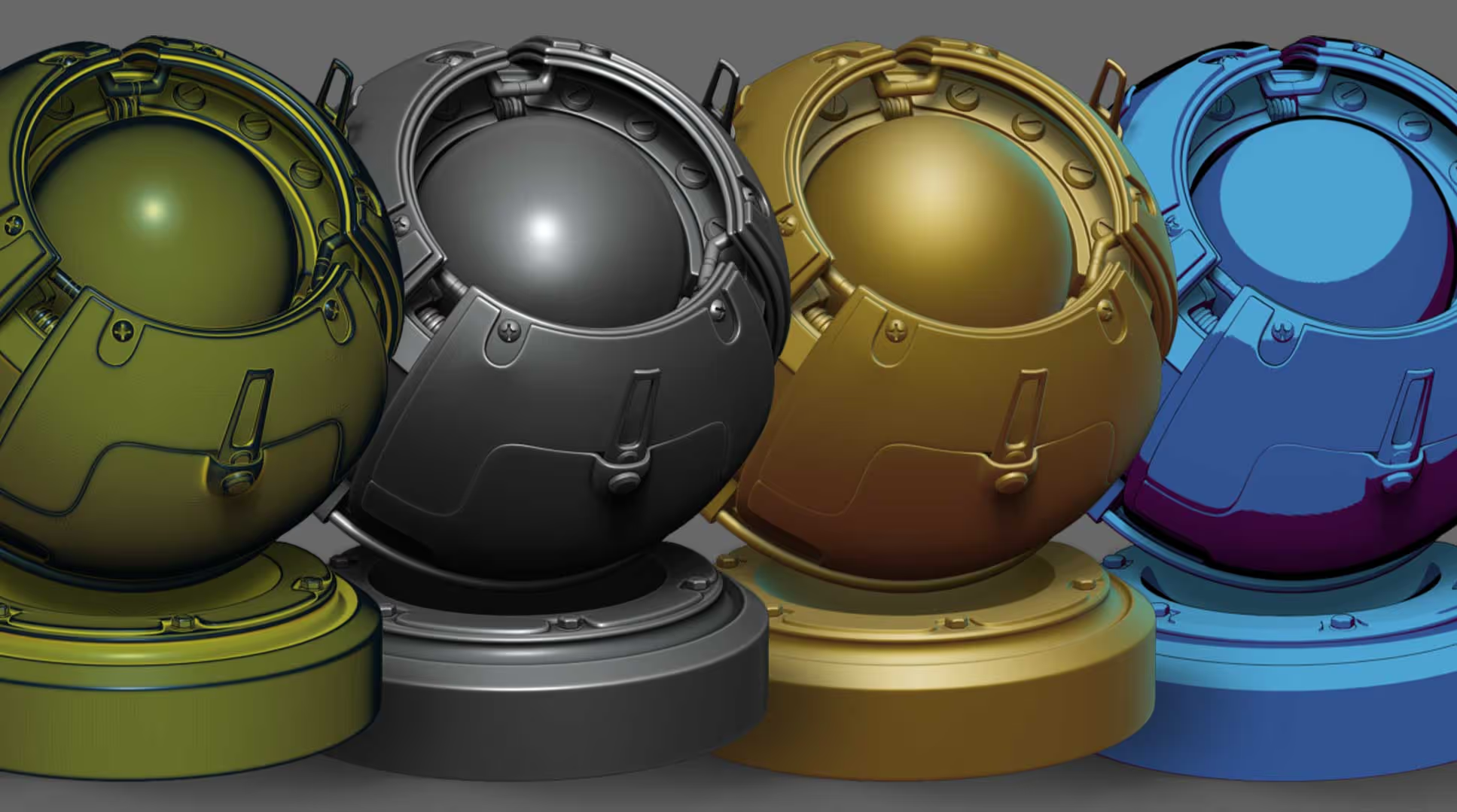
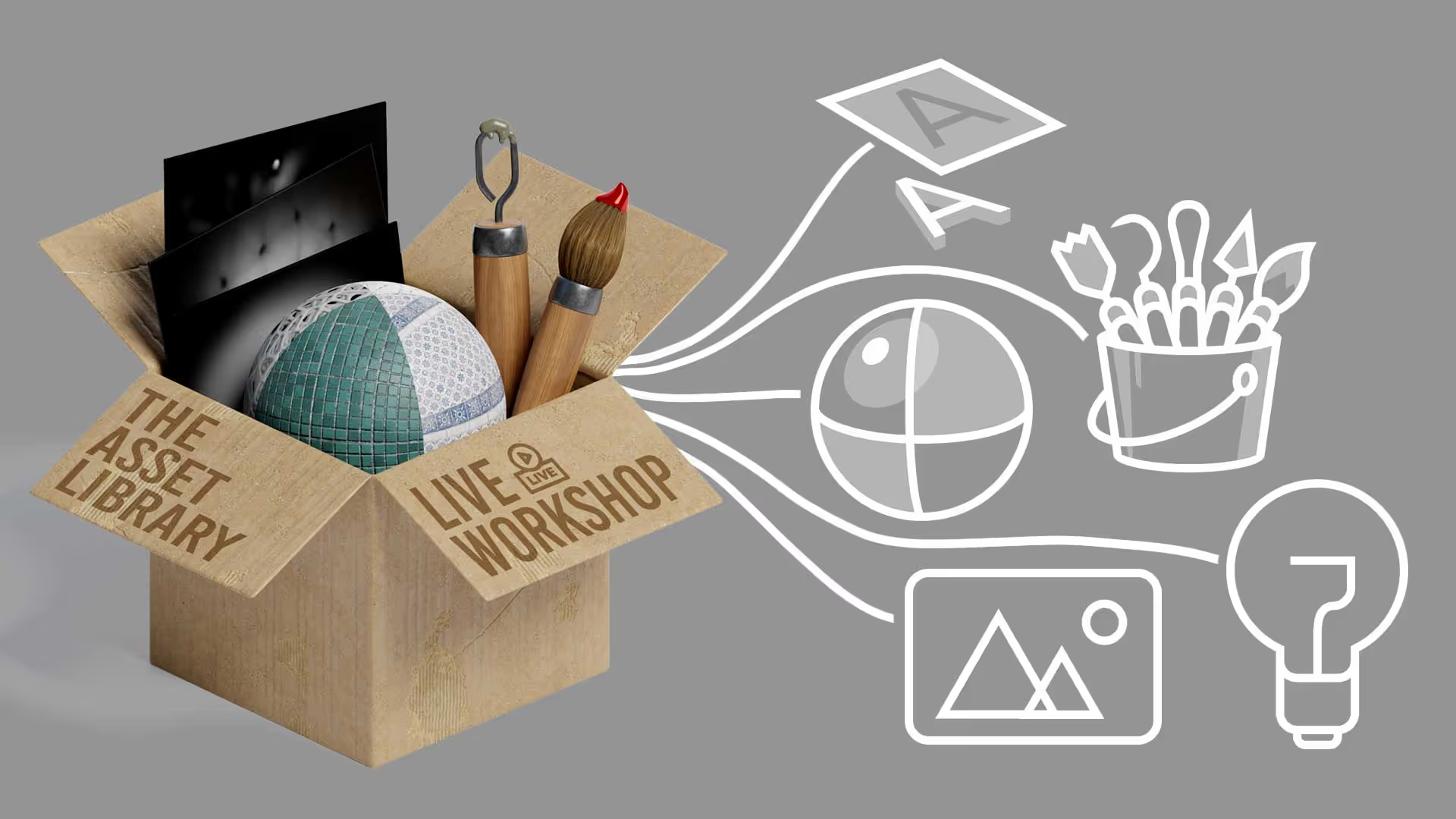
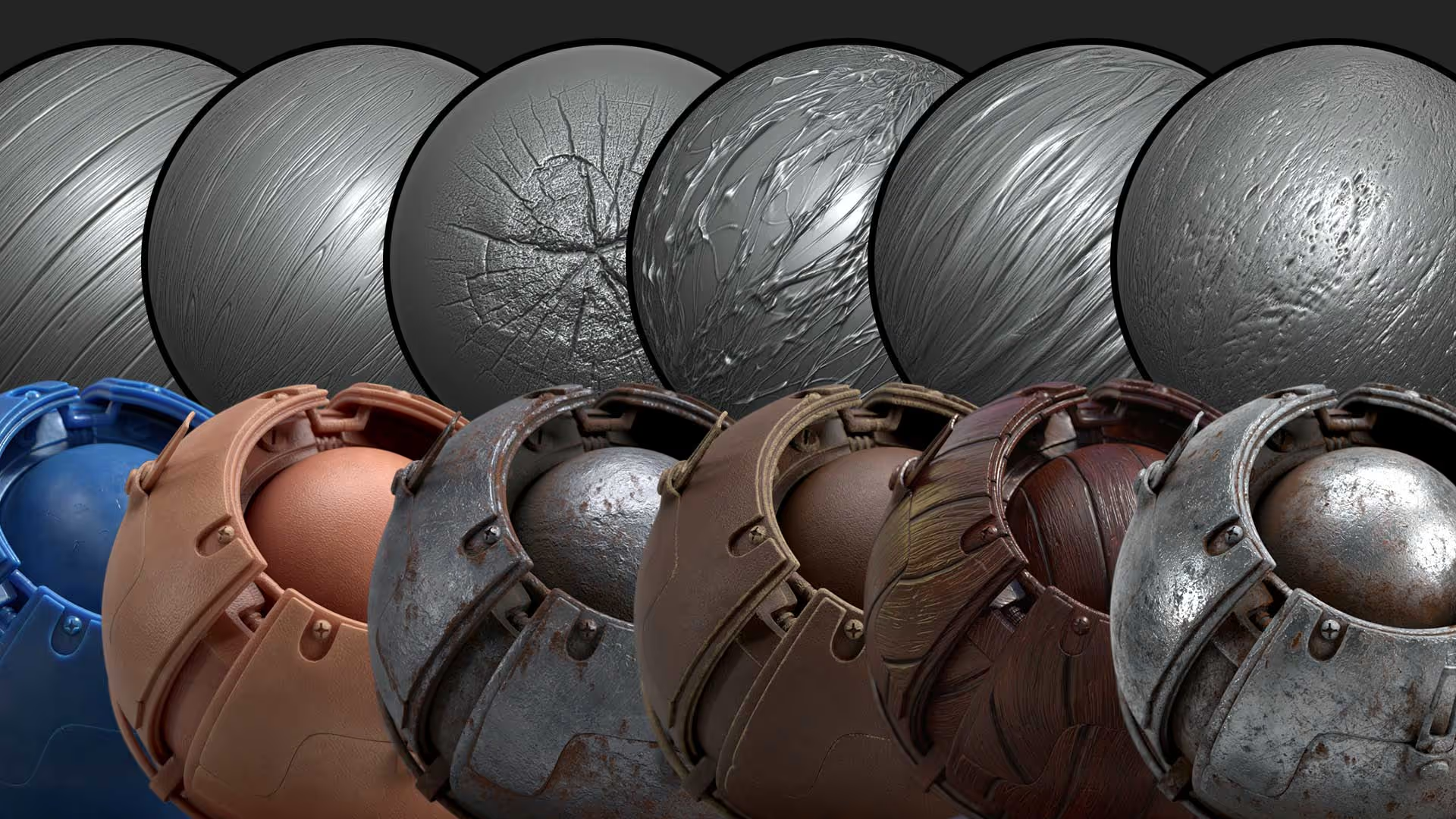
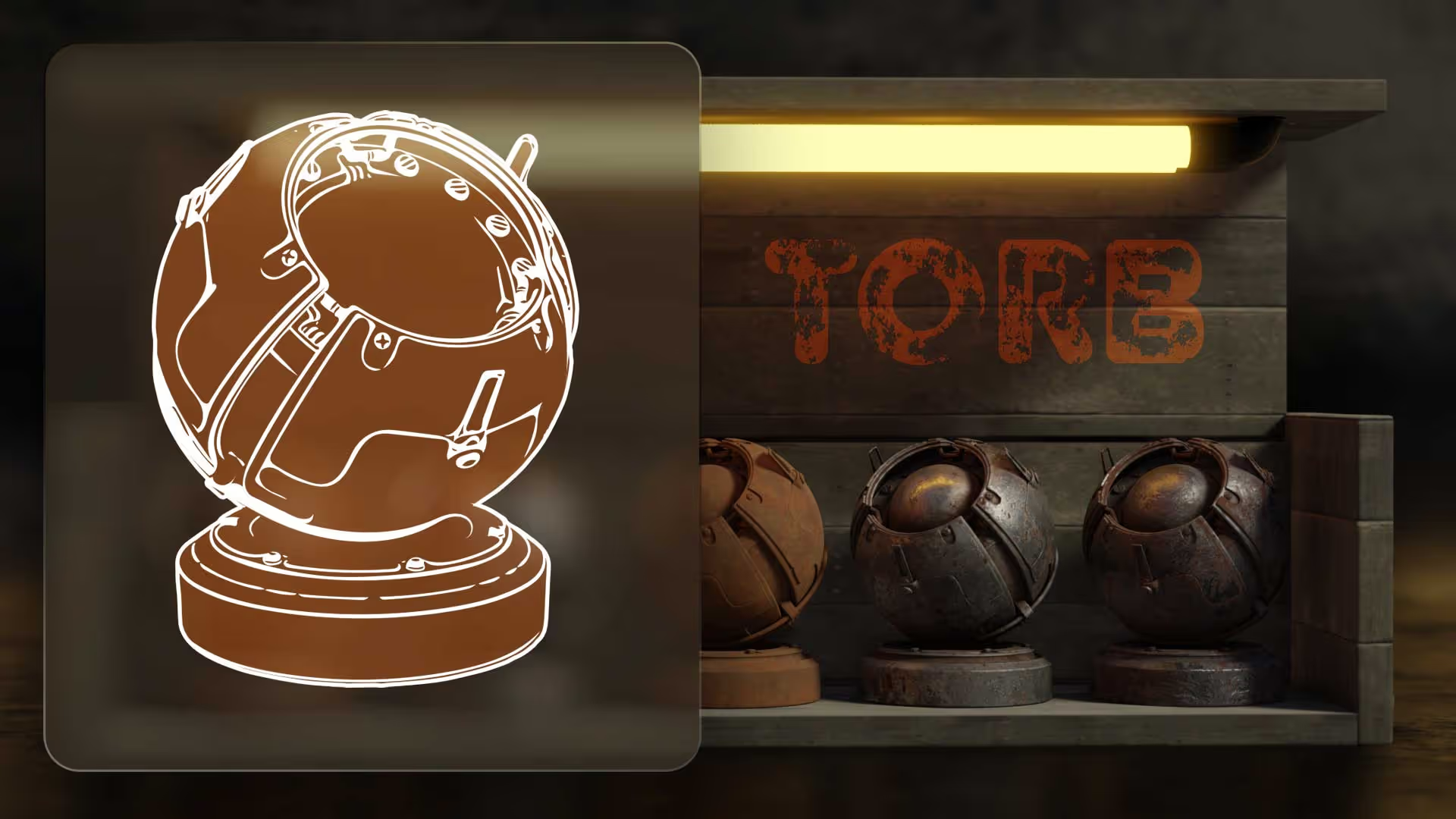
The term ‘Assets’ is a bit generic, but it encompasses the variety of custom resources that we’ll be producing in this workshop. To give you an idea of what assets I’m referring to, here is a series of images showing just some of the resources that I created during the lessons of this course. They include ZBrush brushes, alphas, Materials, textures, meshes, lighting scenarios, and more.
The main purpose of this course is to help you develop your own library of assets so you can speed up the creation process of your own pieces and/or even sell your custom resources as high-quality products.
.gif)
What’s the goal of the workshop?
This is an intensive course where I’ll guide you through the entire process of creating custom assets. The goal is to create your own small library of high-quality assets that can be reused in other projects... We’ll also set the bases to produce a lot more of your own resources!
What will the lessons cover?
The workshop will cover every stage of the process with clear steps to produce a variety of useful resources like Advanced ZBrush sculpting and detailing brushes, alphas, tileable textures, MatCaps, PBR Materials, Lighting setups, templates and even a bit of marketing ;)
Here's what you need to join the workshop...
To make the most out of this intensive course, you need some basic knowledge of ZBrush and Photoshop (or an alternative). Also, we’ll be creating a variety of different assets for different purposes, so I recommend that you have at your disposal a few different tools. However, not all the software I’ll be demonstrating is essential as the process is very similar between some applications. I’ve separated the tools into the 3 categories below:
5 Essential tools
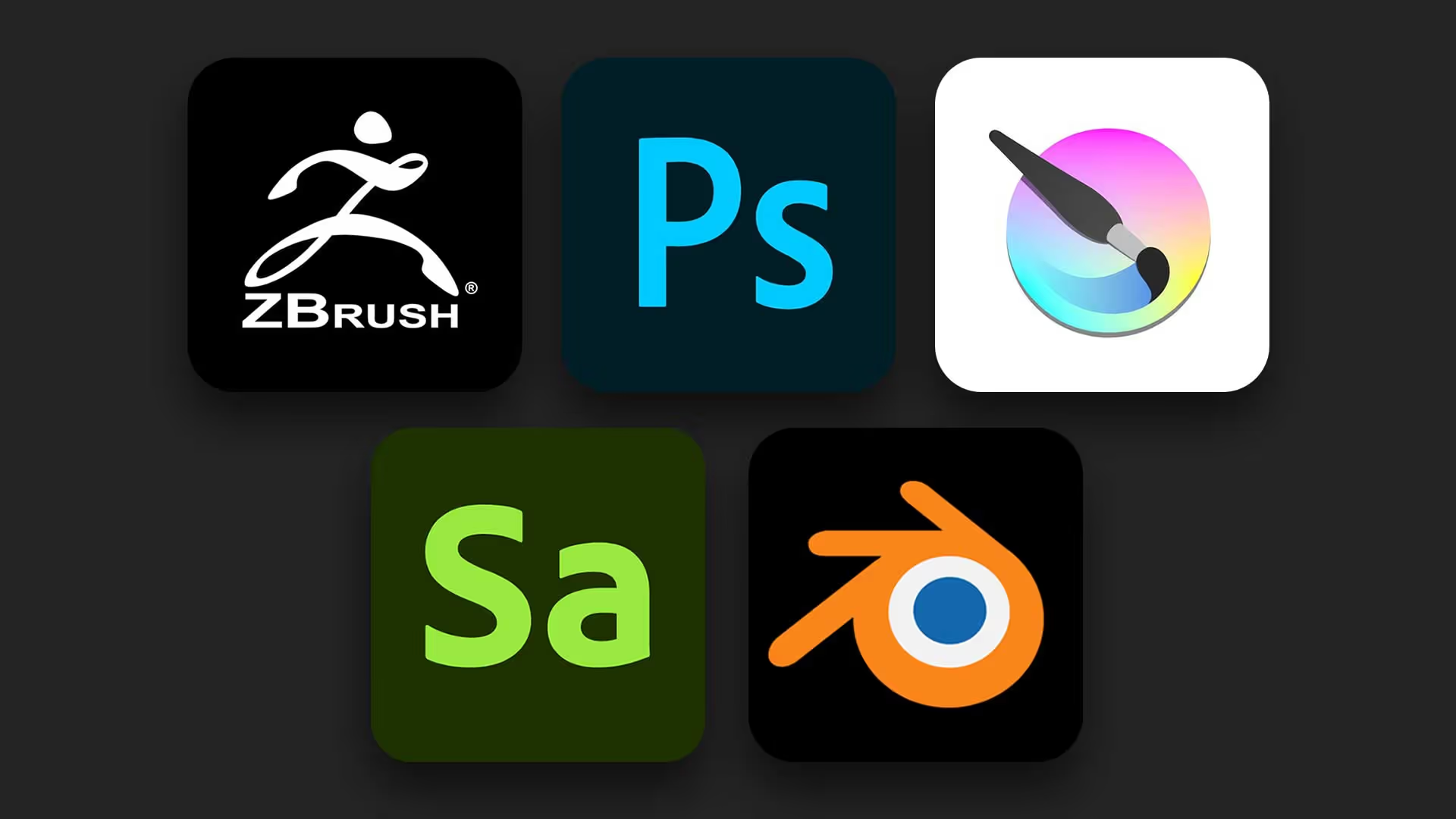
In order to follow along with the workshop, you need a working copy of the full version of ZBrush (preferably 2022), Photoshop (or similar like Affinity photo), Adobe 3D Sampler (you can start a trial just for the workshop for free), Krita (free) and Blender (free).
Good to have
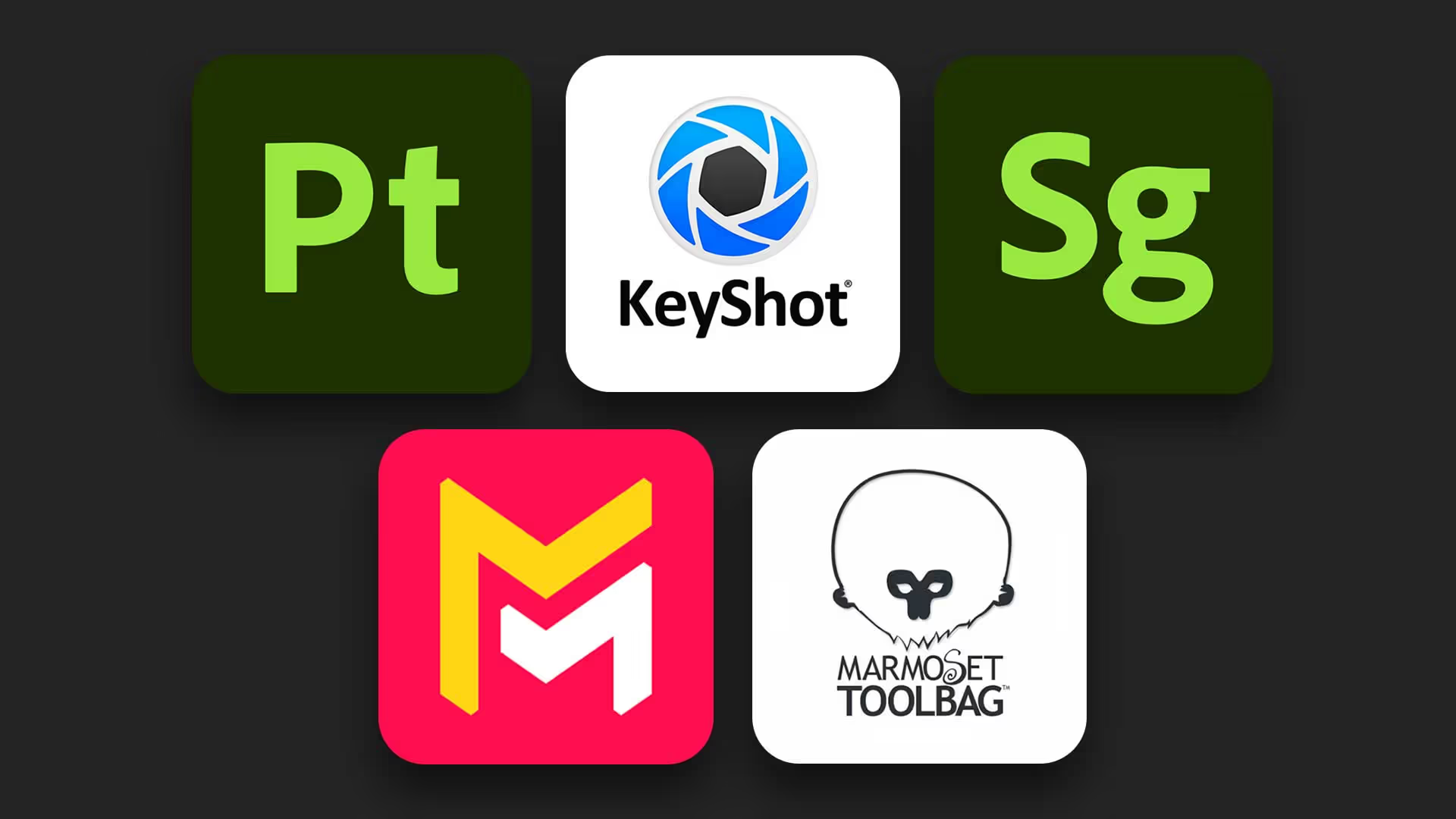
On top of the essential tools, I’ll be covering similar processes in other tools that are specialised for certain stages of the process, so it would be great (but not required) that you have access to Keyshot render, Maverick Render, Marmoset Toolbag, 3D Stager and 3D Painter.
Additional suggestions
On top of the tools we’ll use to produce the assets and test them out, I’ll also be using PureRef, Notion, Canva and Whimsical to keep things organised and show you a bit of 'planning'. All these apps are free (with an option to upgrade, but I’ll be using the basic free plan for all).
Who is this workshop aimed at?
If you are a 3D artist interested in developing your own high-quality assets to speed up workflows and improve your projects, this workshop is for you. I’ll also be covering how to share, test, pack and market your own assets in case you want to release them as products.