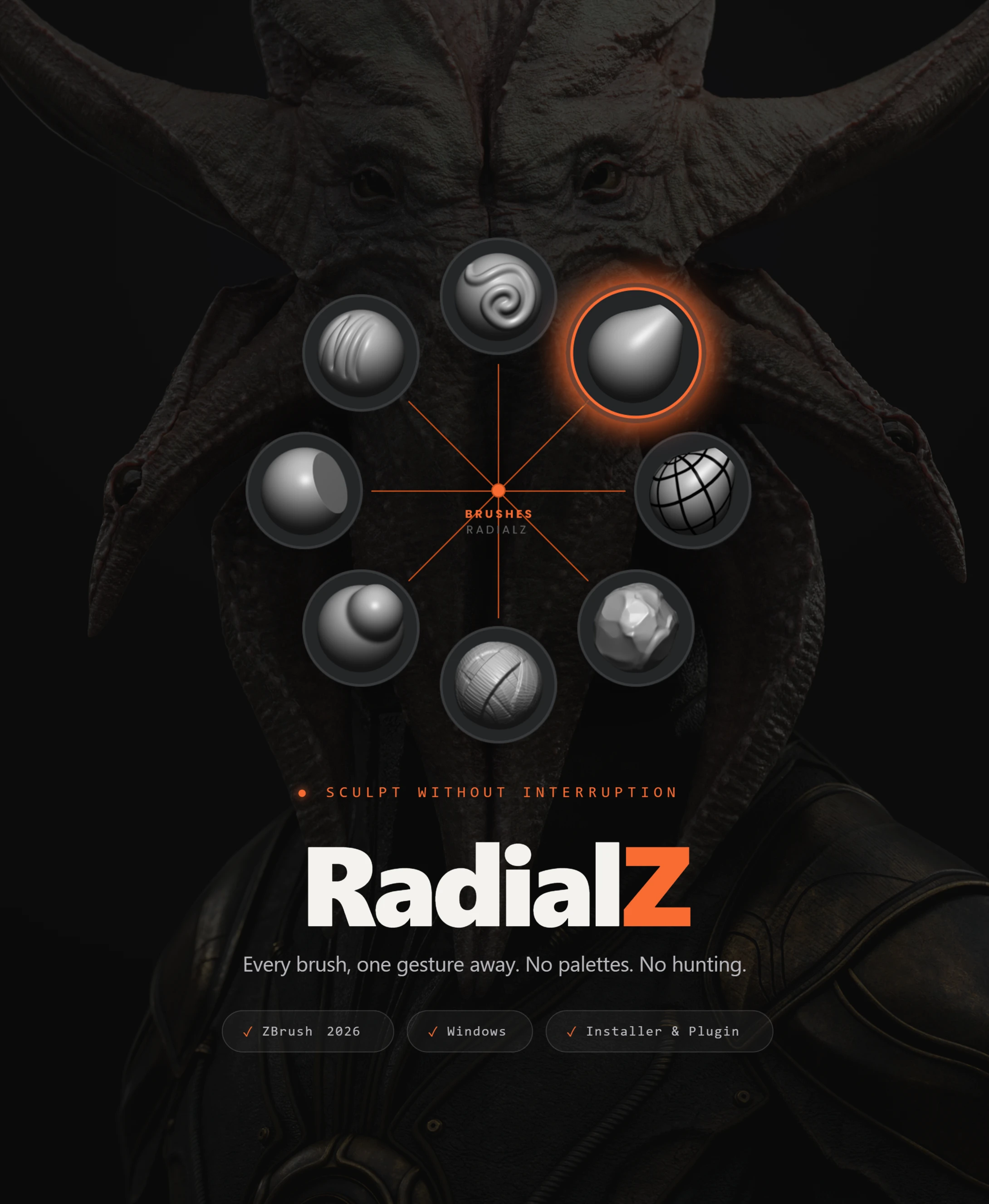

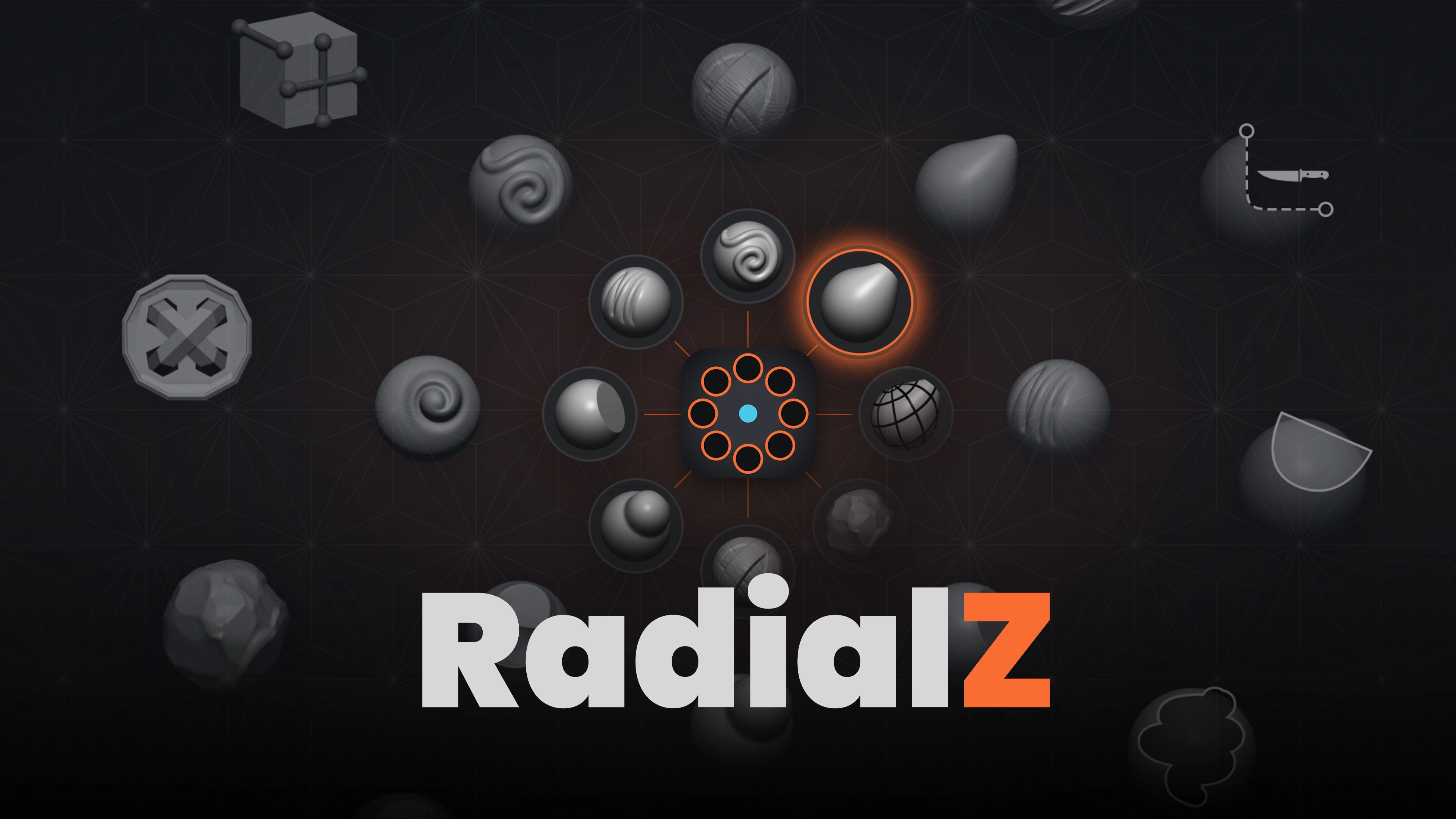

Why RadialZ?
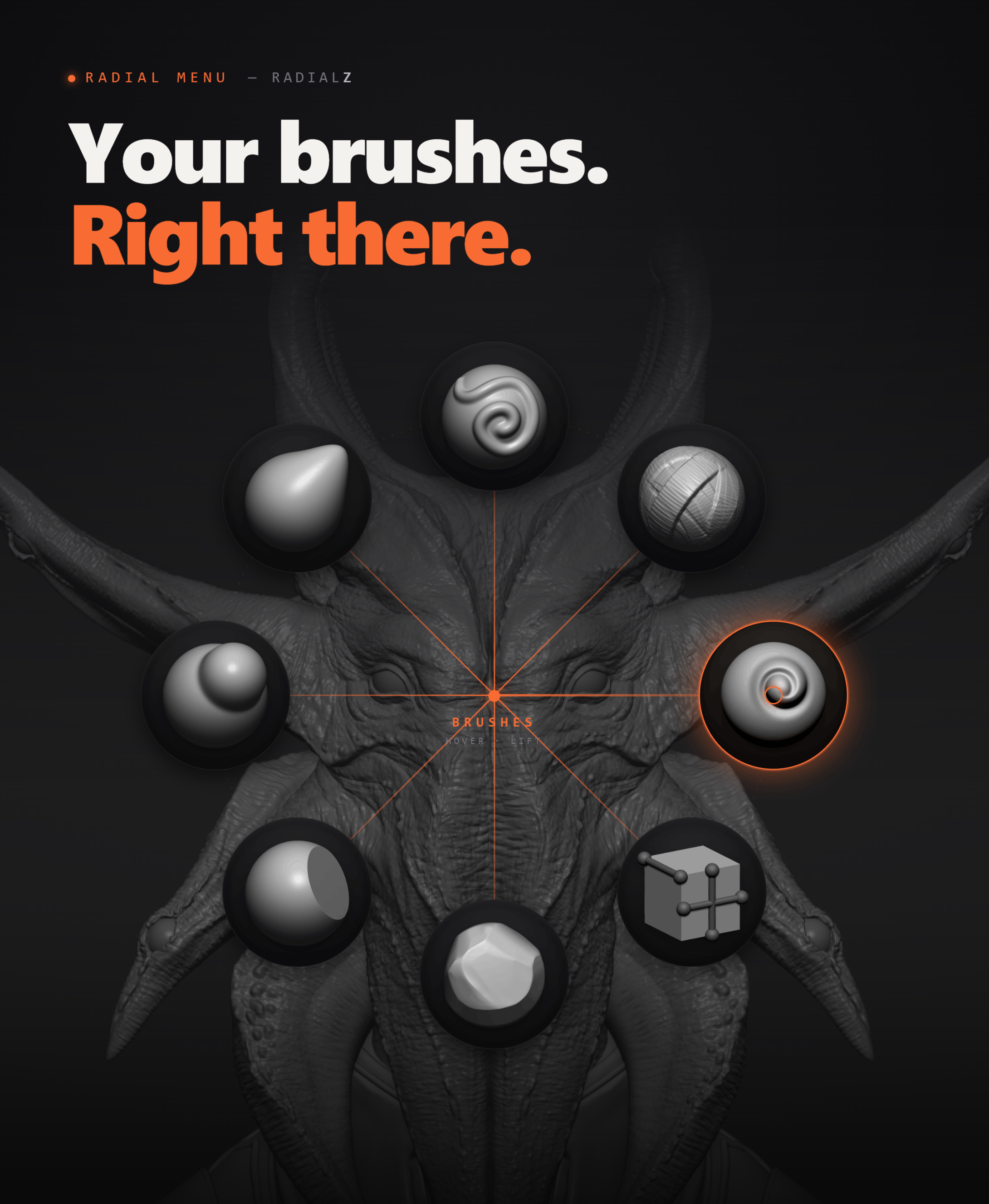

- Radial menus at your cursor, with three ways to pick: click, hover or flick
- Unlimited custom menus → build one per workflow, one per project stage, however you think
- Child slots → nest up to 3 brushes inside a single slot
- Every asset type → brushes, alphas, textures and materials in one window

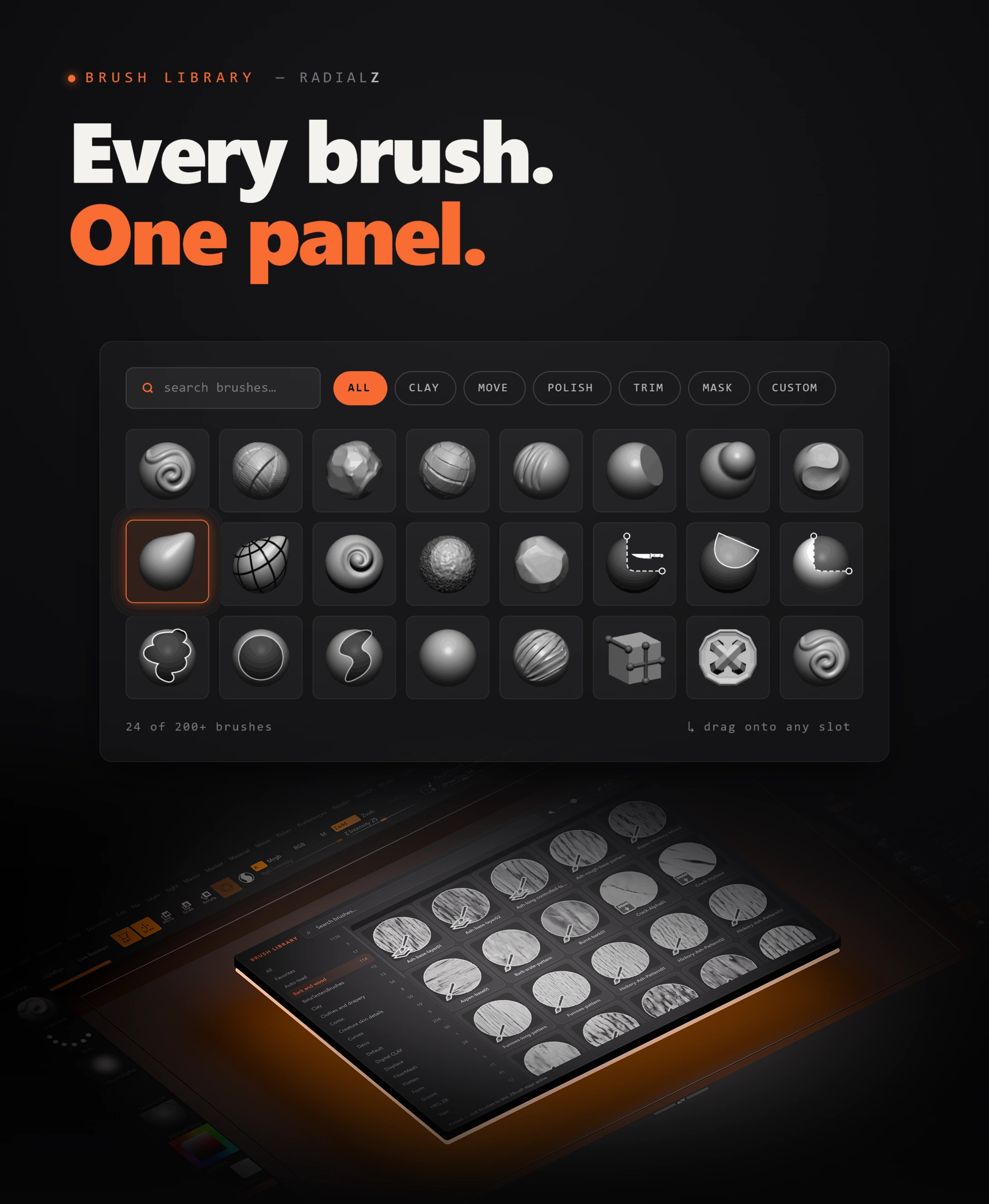
- Floating brush library → the most convenient way to manage a large collection. Search, filter, favourite, and pin it open while you test brushes directly in ZBrush
- Auto-scanning library → RadialZ scans your full brush collection including custom, VDM and IMM brushes, on any drive, and you can point it at any custom brush folder. Install new brushes and a quick re-sync picks them up
- Fully customisable → slot count, icon size, custom icons, text-only mode, circular or rectangular layouts
- Simple installer → wires RadialZ to ZBrush automatically, no scripting required
- Auto-updates → new versions delivered automatically
See it in action
Here's RadialZ running inside a real ZBrush session - building menus, switching brushes mid-sculpt, and pulling from the floating library without ever touching the top toolbar.
How it works
RadialZ is built around three core pieces that work together inside ZBrush.

Radial Menus
Trigger a circular brush menu with a hotkey, right where your cursor already is. Build unlimited custom menus, one per workflow, one per project stage, and mix ZBrush shortcuts in alongside your brushes.
Floating Brush Library
The most convenient way to manage a large brush collection. Search, filter, favourite, and pin it open while you test brushes directly in ZBrush. No more scrolling Lightbox.
Auto-Scanning Sync
RadialZ finds ZBrush and your brushes automatically on any drive, including custom, VDM and IMM brushes. Point it at any custom folder, and a quick re-sync picks up anything new. No manual re-linking needed.
.png)
.png)
Built for how you actually work
RadialZ adapts to your setup rather than forcing you into one layout:
- Circular or rectangular menus: choose the layout that fits your workflow, with corner styles (Pill, Rounded, Sharp) for rectangular menus.
- Fully customisable slots: control slot count, icon size, custom icons, or switch to text-only mode.
- Simple installer: wires RadialZ to ZBrush automatically, no scripting required.
The goal was to keep it flexible enough to match how you already think, so the same tool works whether you're switching brushes every few seconds mid-sculpt or organising an entire library by project stage.

What you get
With RadialZ, you get:
- RadialZ application (Windows)
- ZBrush Bridge plugin, covers ZBrush 2022 through 2026, included in the app and installs automatically
- Written install and setup guide (PDF)
- Short reference video for installation
- All v1.x updates included, delivered automatically
What's new in 1.6
- Click, hover and flick picking
- Alphas, textures and materials, alongside brushes
- Colour-coded tags, bulk tagging and the Library Editor
- Tag colour on the menu itself: ring, glow and tint controls
- Rebuilt library with a popup window and one search across all asset types
Already own RadialZ? Open the app and click Update when the update bar appears. Your menus, hotkeys and library all carry over untouched.

"RadialZ removes that point of friction, making it effortless and completely automatic, so I can focus on designing things instead of spending half of my day looking for the brush by name. It's right under my fingertips."— Bohdan Lvov