


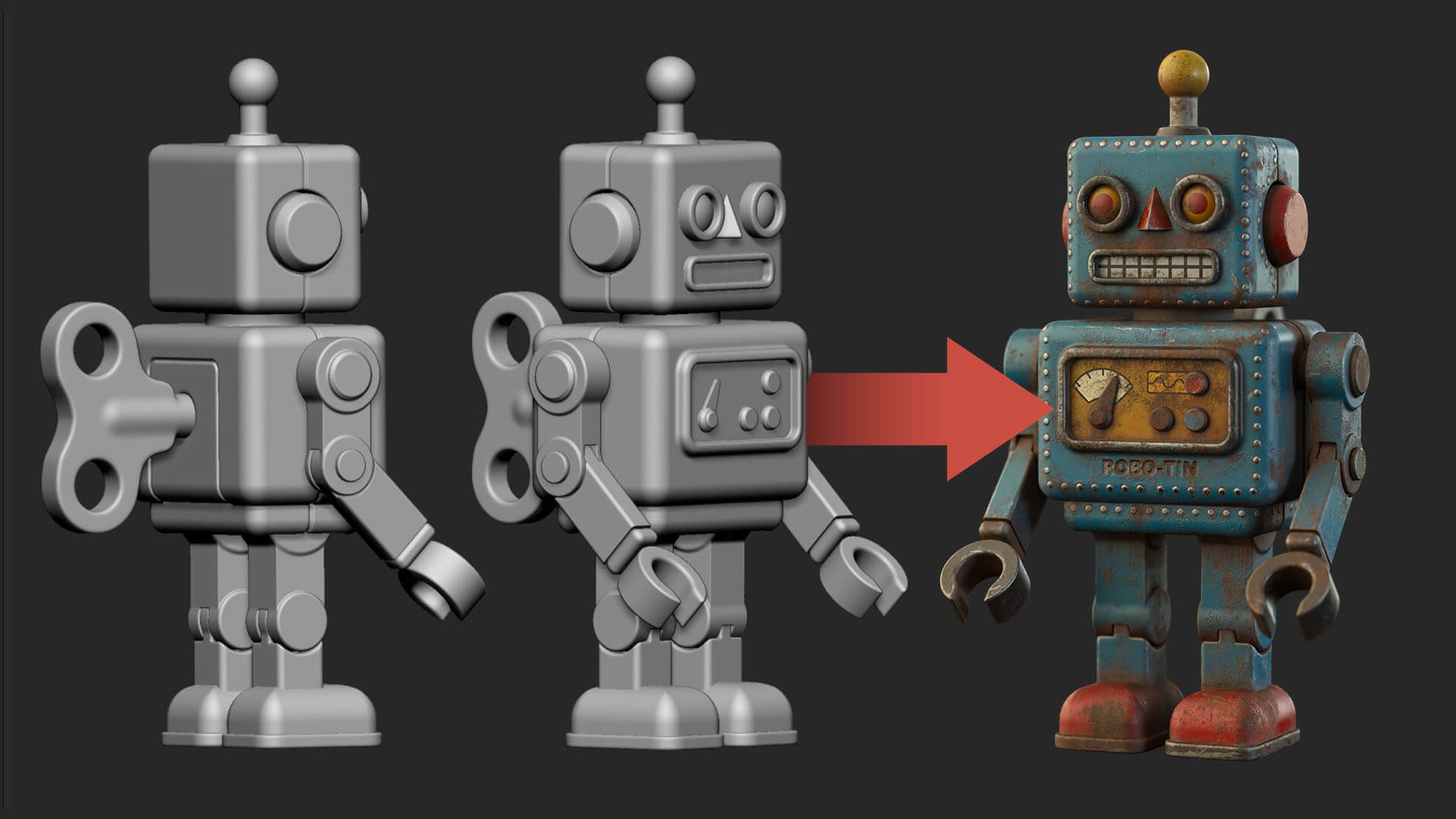
From grey mesh to old tin toy...

Robo-Tin starts as a plain grey model. Over three videos we’ll give him paint, metal and a few decals... and then the fun part, fifty years of dirt, scratches and rust.
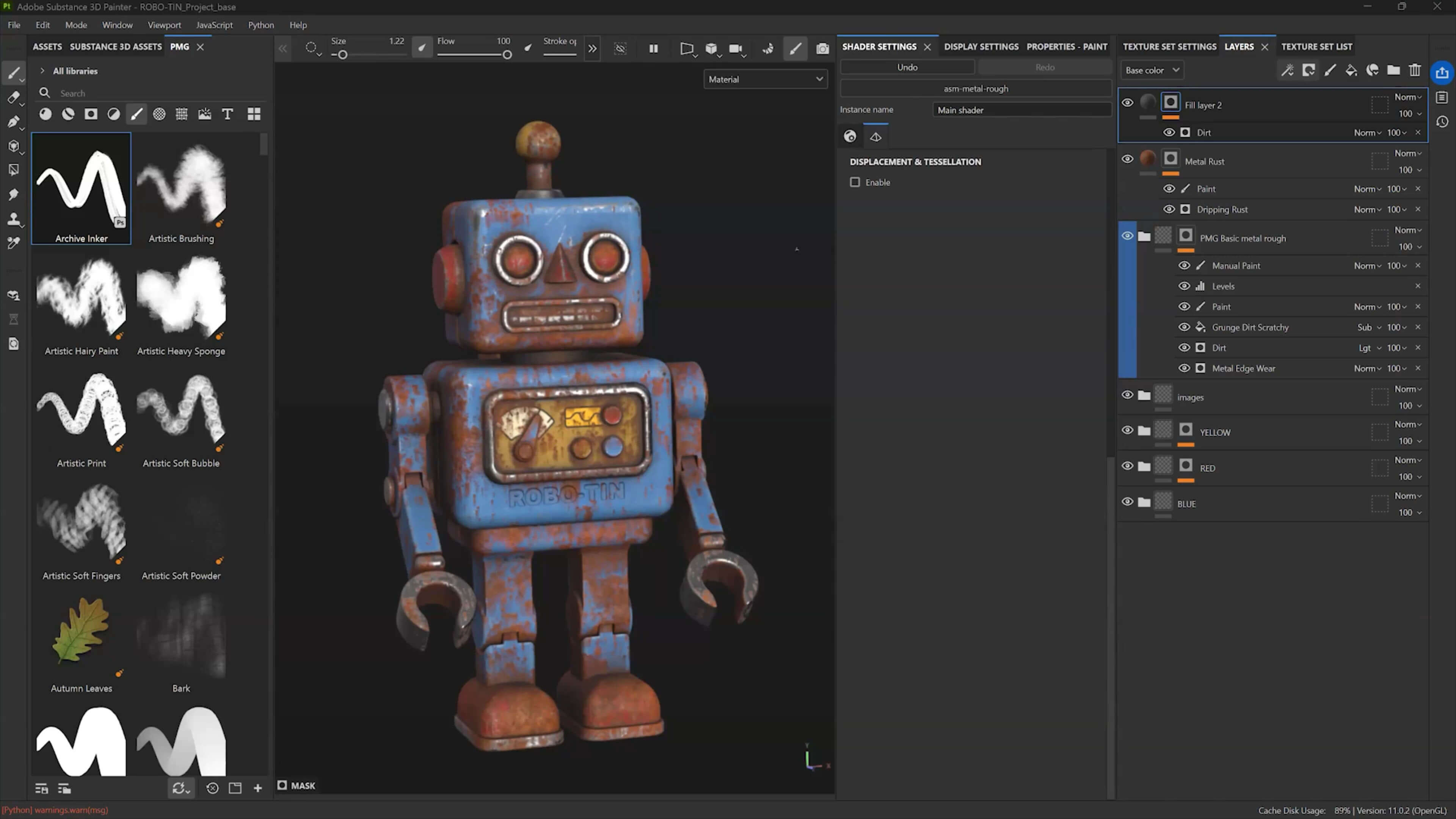
The project comes set up in Painter, with a couple of my materials included in the resources, so you open the file and start texturing straight away.
Along the way you’ll see how Painter thinks: what the baked maps are for, how masks decide where each material goes, and how generators save you hours of hand painting. Those ideas apply to anything you texture after this.


No items found.
What you'll need
Substance 3D Painter is the only thing you need to follow along. The project file and materials will be sent to you once you sign up ;)
- Substance 3D Painter
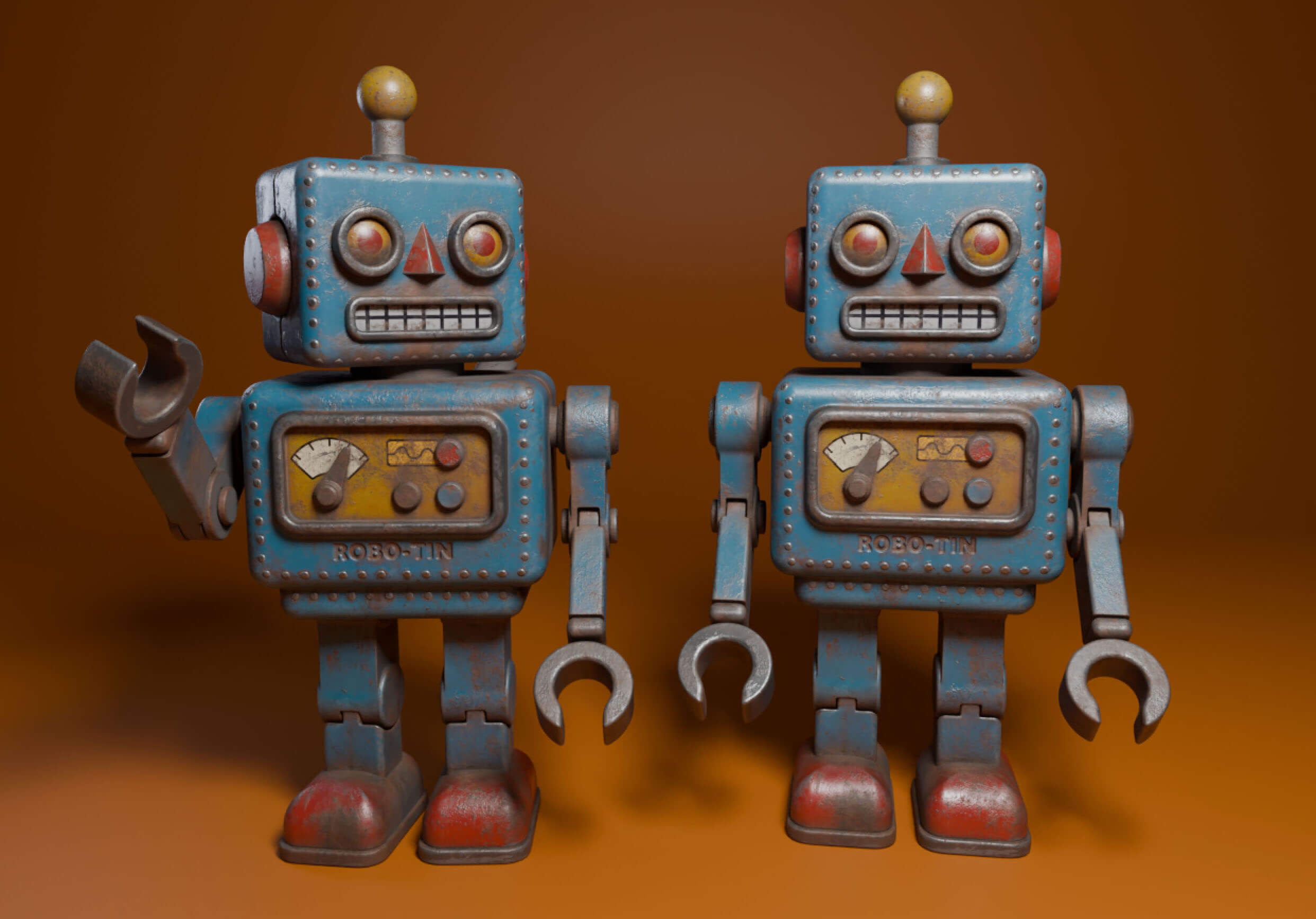
- Blender, for the bonus rendering video (free)
- PureRef or similar for your references (optional)
- Adobe 3D Stager (optional)

.avif)