

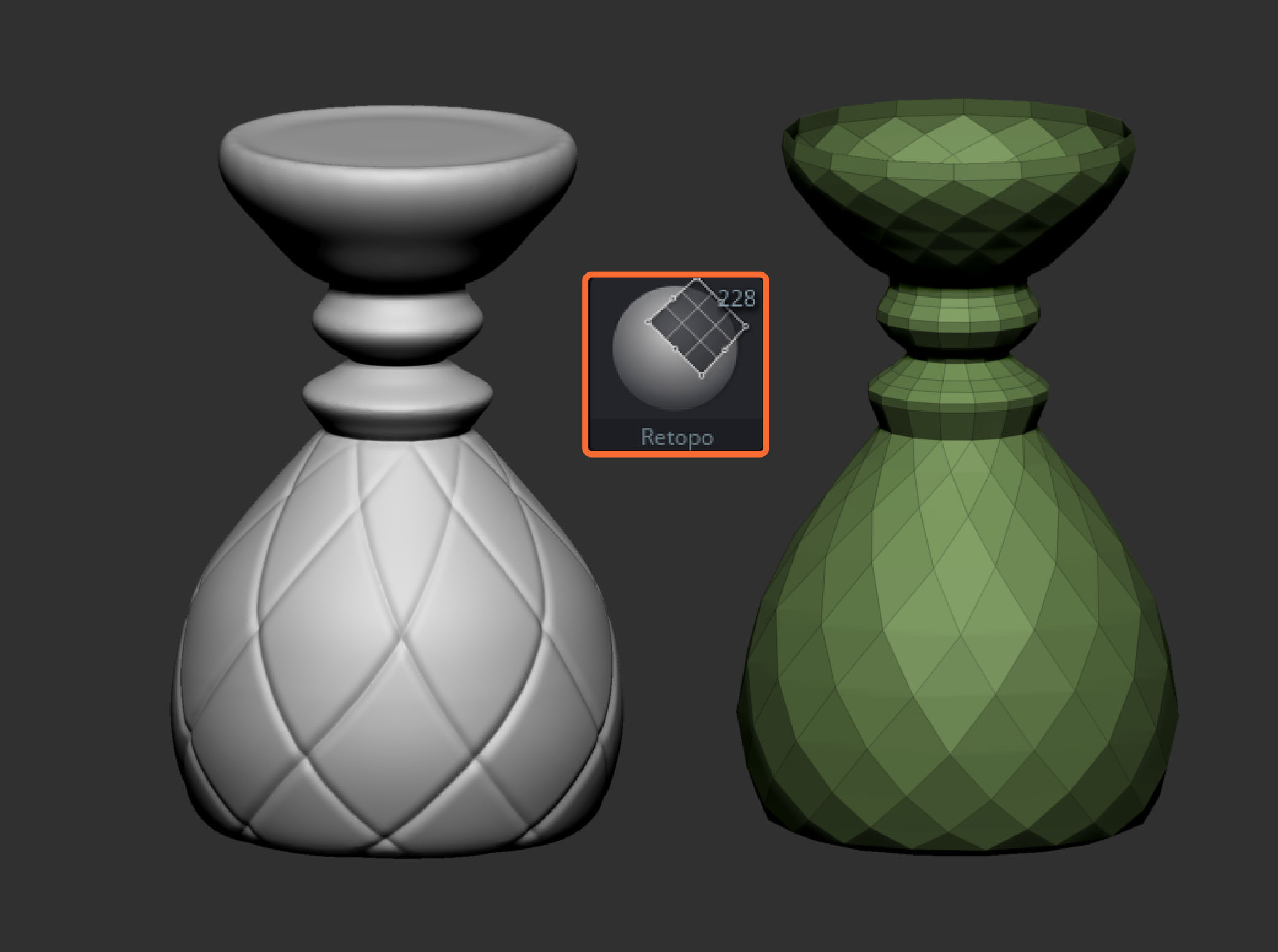
I’ll work on a dedicated video or short series covering this in more depth, but for now I want to highlight three very useful things about the Retopology Brush that you might not have noticed yet.
1. Isolating point movement
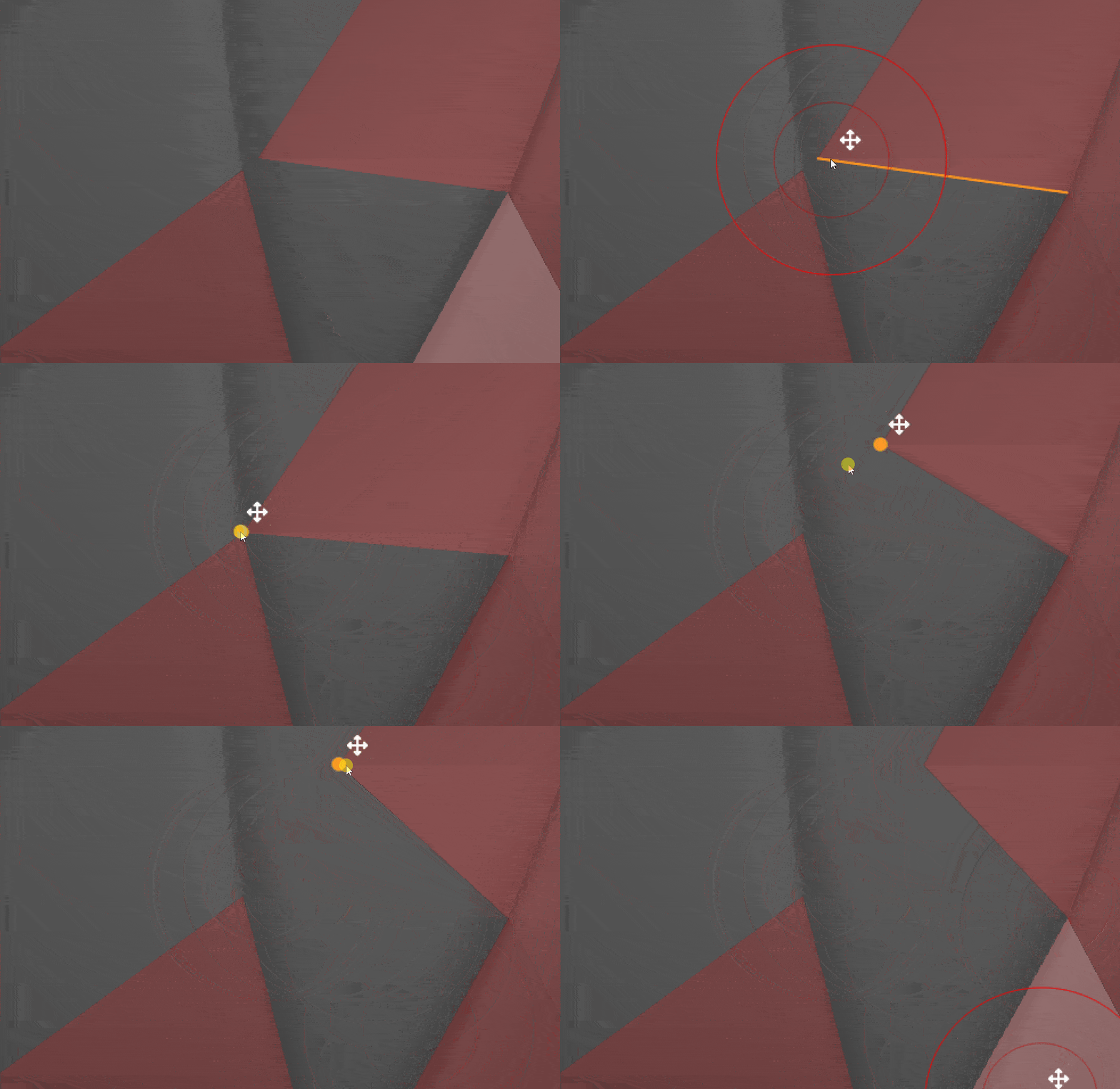
You can remove the influence of brush size when moving points so that only the element you click on is affected, even if other points are very close by.

To do this, go to the Brush palette, open the Retopology subpalette, and disable Move by Draw Size. Once this is off, you can move individual points cleanly regardless of brush size. This is extremely handy and something I had set up in my custom UI while beta testing the brush.
2. Removing edge loops quickly
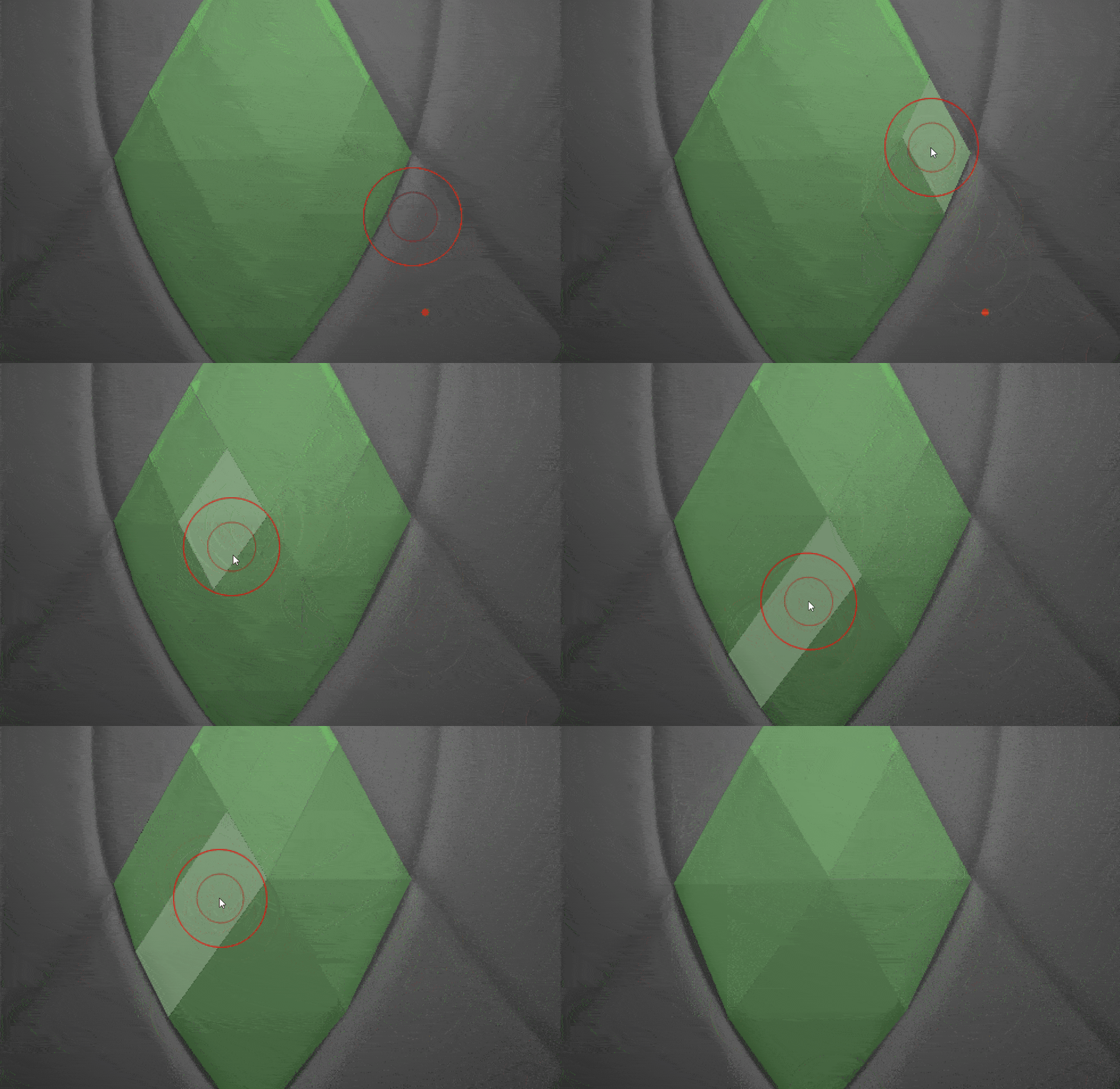
You might already know that pressing the Spacebar with the Retopo Brush lets you add edge loops by clicking and dragging from an edge.
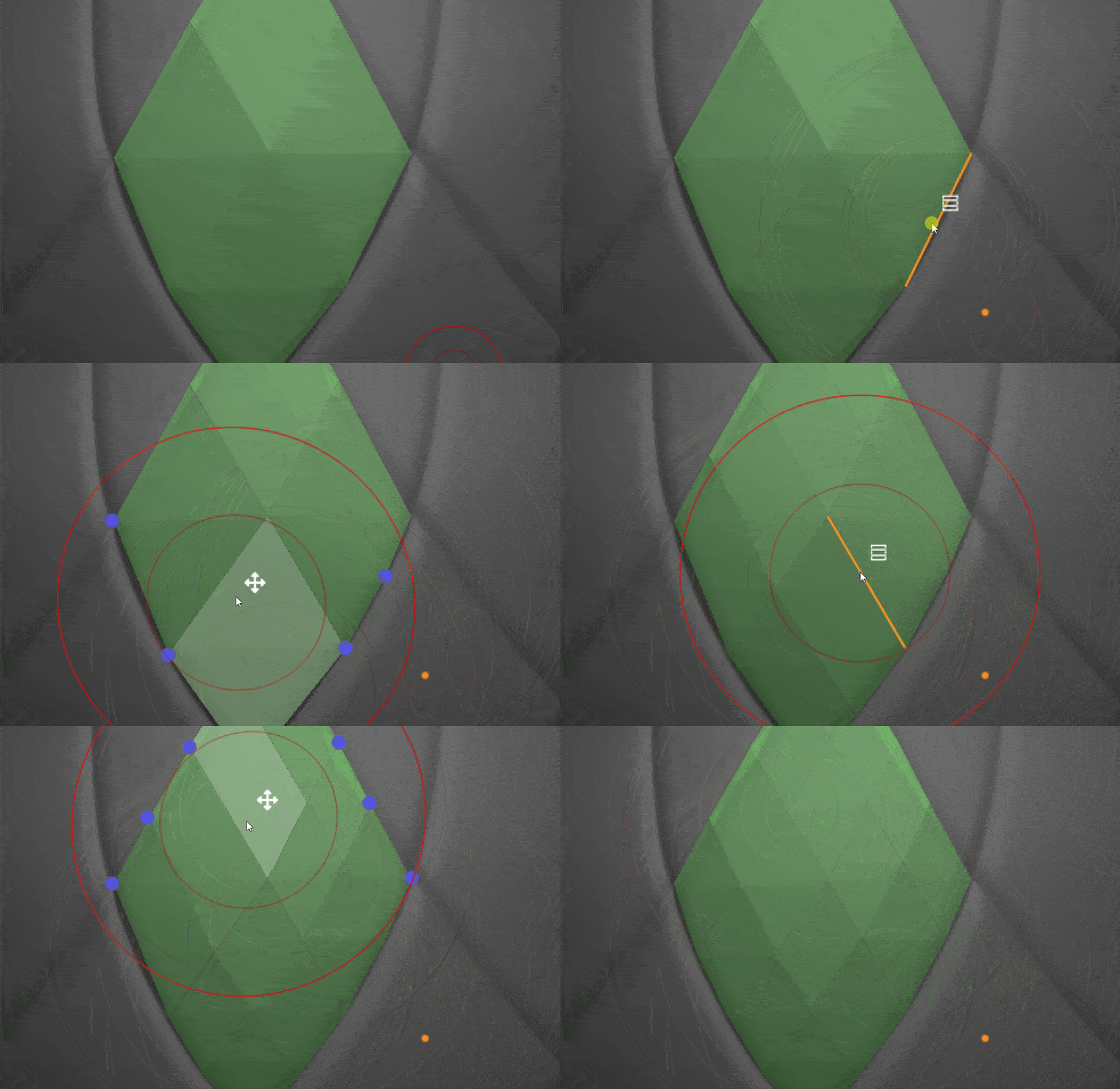
What’s less obvious is that you can also remove entire edge loops just as quickly. Simply hold Alt and click from one polygon to the next, effectively crossing the loop you want to remove… It becomes second nature once you’ve done it a few times.
3. Radial symmetry support
The Retopology Brush works with symmetry as expected, but it also supports radial symmetry, which is a big win for cylindrical or radial forms. These are often the types of shapes where ZRemesher can struggle.

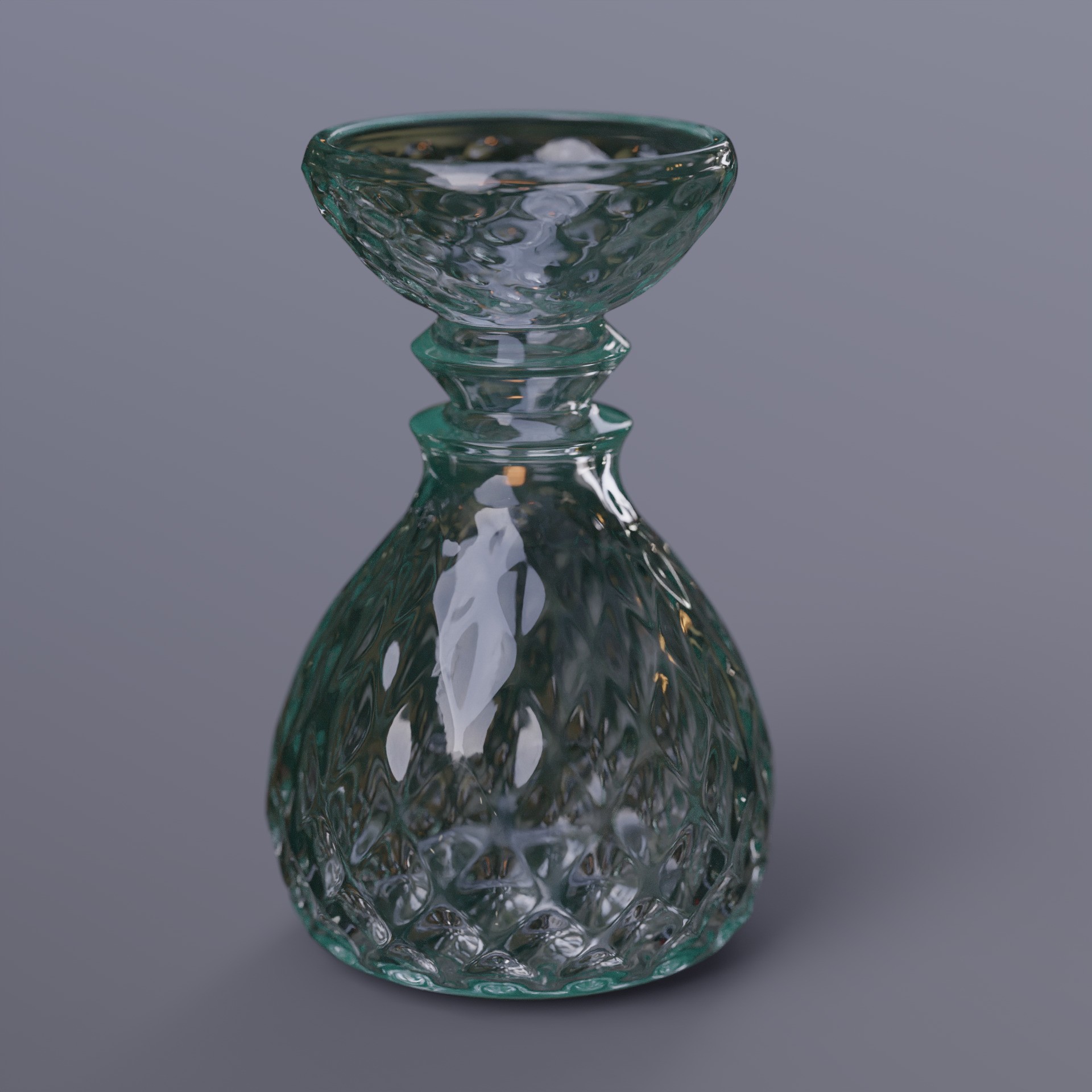
I retopologised a quick Dynamesh vase sketch using the Retopo Brush with radial symmetry enabled, and in just a few minutes you can end up with a clean, usable base mesh with solid topology.
Give it a go and let me know if you have questions about this brush… it’s surprisingly powerful once you get comfortable with it.



.jpg)

.jpg)
.jpg)